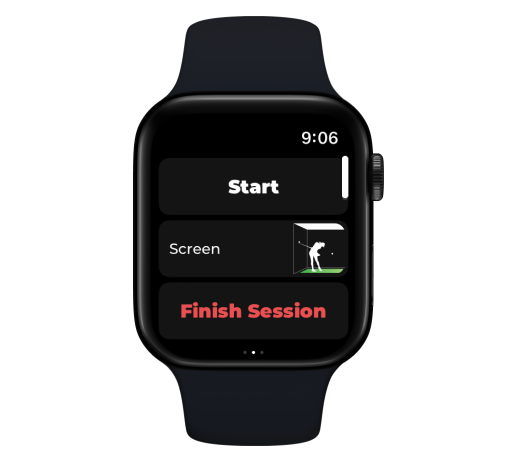
Choose a club has disappeared from the Apple Watch
Last updated October 13, 2026
The ability to choose a different club will disappear while playing sessions connected to a simulator program.
The ability to choose a different club will disappear while playing sessions connected to a simulator program such as E6 or GSPro.
To change your club, select it directly from the simulator game interface, and the correct club will be selected in ChipIn Shot Tracker.
This functionality helps the chosen club remain consistent between ChipIn and the simulator program to prevent any errors in both systems.