



1st–5th place
Golf Return Net
ChipIn Shot Tracker turns your iPhone camera into a launch monitor. See how far every shot goes, then play the games for free.

Free to download · iPhone only — Requires iOS 26 or later
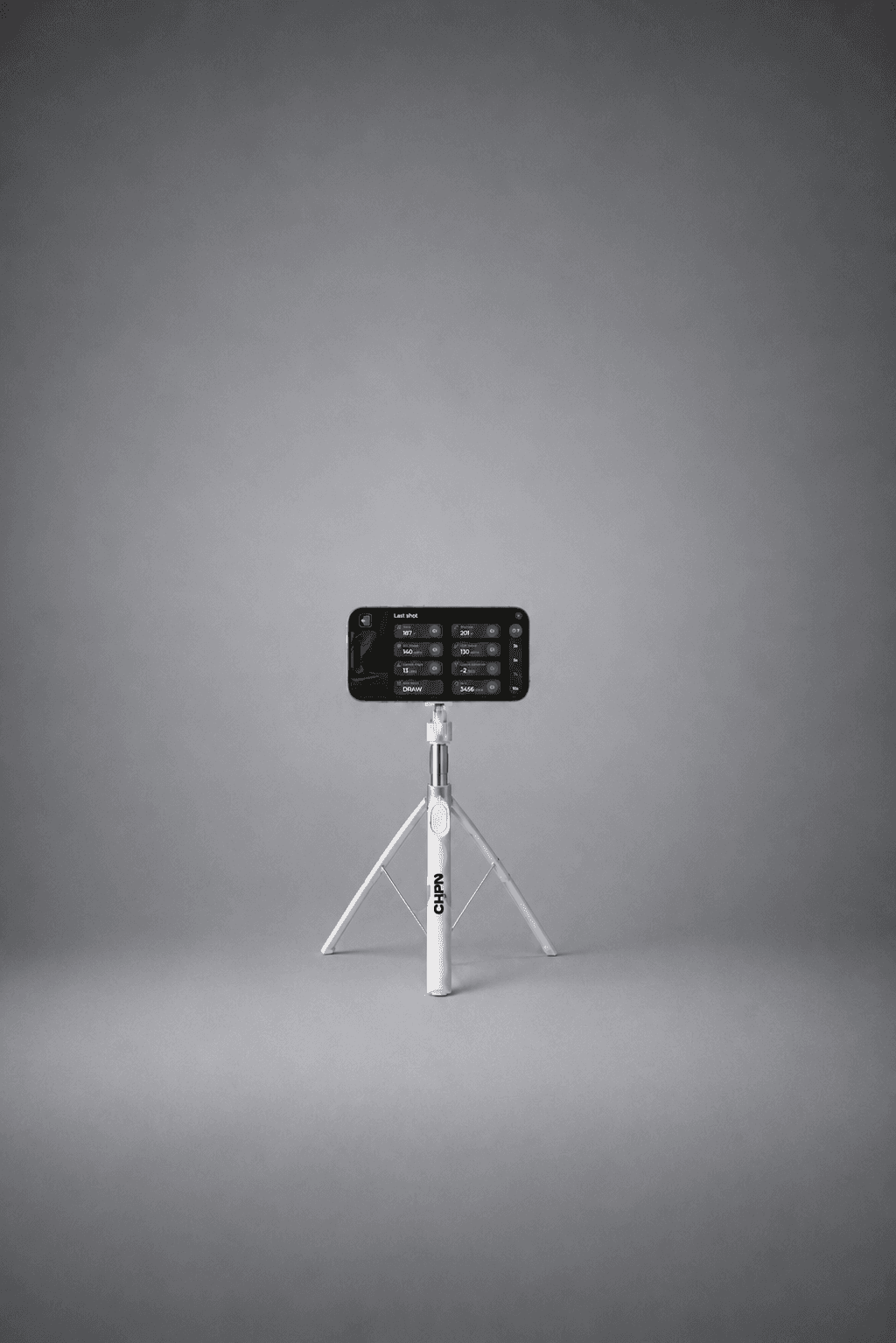
Meet ChipIn Shot Tracker. Hit a real golf ball and your iPhone camera captures its speed and launch. The app calculates the flight and distance, so you can see what that swing actually did.
Use it on its own to work on your game, or connect to ChipIn and turn those same shots into arcade scores. Your phone does the tracking. You do the swinging.
See your carry distance, ball speed, and launch. Put a number on the shot you just felt.
Golf tracking technology built for your iPhone camera. No extra sensors or launch monitor required.
A bucket at the range or a net in the garage. Bring your clubs, prop up your iPhone, and swing.

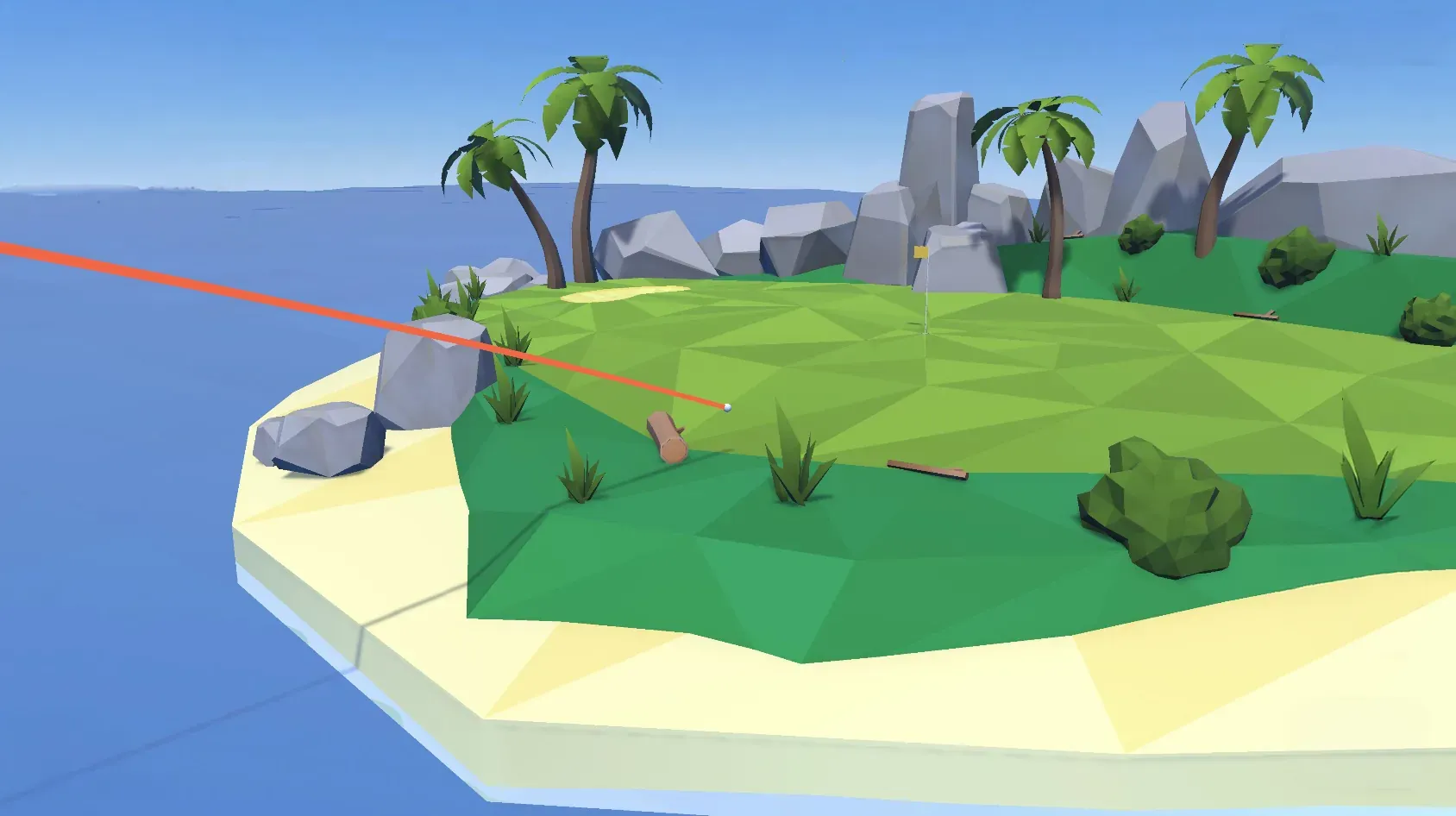
Every game is free to play. Pick a world, take your swing, and watch your real shot land in it.
Put those shots to work. Enter a contest, chase the leaderboard, and play for real prizes. Every entry chips in to the cause you choose.
Bullseye Blast / Paradise Pin
One entry covers every game in the series — and supports the cause of your choice.
4.3
out of 5 on the App Store
338 ratings
Your iPhone tracks the shot you just hit. A second screen shows where it lands in the game.
Set your iPhone behind the ball, open the app, and hit a real shot. Your carry, ball speed, and direction land on the screen.
A laptop, tablet, or TV shows the course, the target, and your ball flying at it.
Every real shot scores in the game. Play free as long as you like, then take a run at a contest leaderboard.
Your iPhone tracks the shot you just hit. A second screen shows where it lands in the game.
Set your iPhone behind the ball, open the app, and hit a real shot. Your carry, ball speed, and direction land on the screen.
A laptop, tablet, or TV shows the course, the target, and your ball flying at it.
Every real shot scores in the game. Play free as long as you like, then take a run at a contest leaderboard.
Free shot tracking and free arcade play. Upgrade to Pro when you want the full picture of your practice.
Track your shots and play the ChipIn arcade.
$0
After your 5 full-metric shots, keep tracking with one result metric: ball speed or carry distance. Full metrics reset each day.
Get started for free
More insight into every shot and every session.
$14.99
USD per month
Billed monthly
Download free, then start your trial in the app
Special offer
Enter a contest and get a month of Pro included. Enjoy full shot metrics on every swing, plus detailed club and session stats.
Contest entry fees apply.
Quick answers before you download.
Your iPhone is the shot tracker: its camera captures the ball, and the app turns that information into shot data. You do not need a separate launch monitor. You will need a club, real golf balls, a safe hitting space, and a steady phone support such as a small tripod.
Shot Tracker uses camera images to measure ball speed, launch angle, and launch direction, then calculates ball flight and distance from that data. Results depend on lighting, phone stability, and correct setup. Follow the in-app setup guide for your practice space to get the best results.
Use an iPhone with Shot Tracker to capture your shots and a tablet or laptop to run the ChipIn game. You can also display the game on a TV from that second device. Download the app, create your ChipIn account, and follow the game setup steps to connect them. For standalone shot-tracking practice, a second screen is not required.
Shot Tracker is an iPhone app and requires iOS 26 or later. Check the App Store listing for compatibility with your device before downloading. The app is not currently available for Android.
Yes. You can keep tracking shots and playing the free ChipIn arcade without a subscription. Each day includes five shots with full metrics; after that, tracking continues with one result metric, ball speed or carry distance. Pro adds full metrics on every shot, shot and session history, and the live session view.
Free arcade play has no contest entry fee. Prize contests have a separate entry fee, which supports your chosen cause and includes a month of Pro. A Pro subscription on its own does not pay for contest entries.
GolfTrak is becoming ChipIn Shot Tracker: the same app and tracking technology, with a name that makes its place in ChipIn clearer. During the rollout, you may still see GolfTrak in the App Store or app. Keep your existing app updated; your account, history, and subscription carry over.
The app is free and the games are free. Enter a contest and you're playing for prizes and for a cause.
iPhone only — Requires iOS 26 or later
