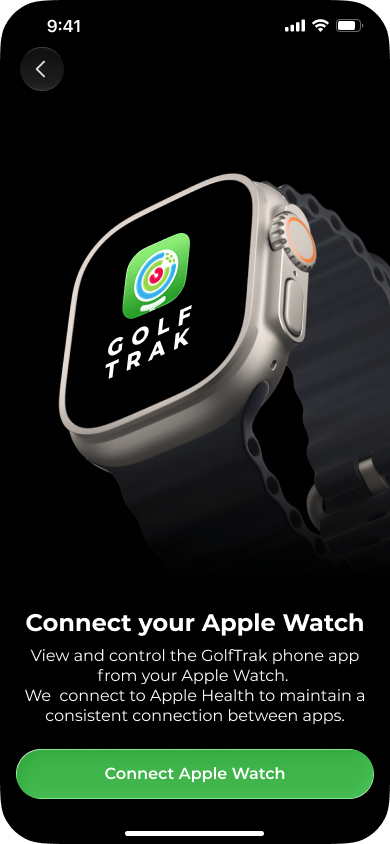
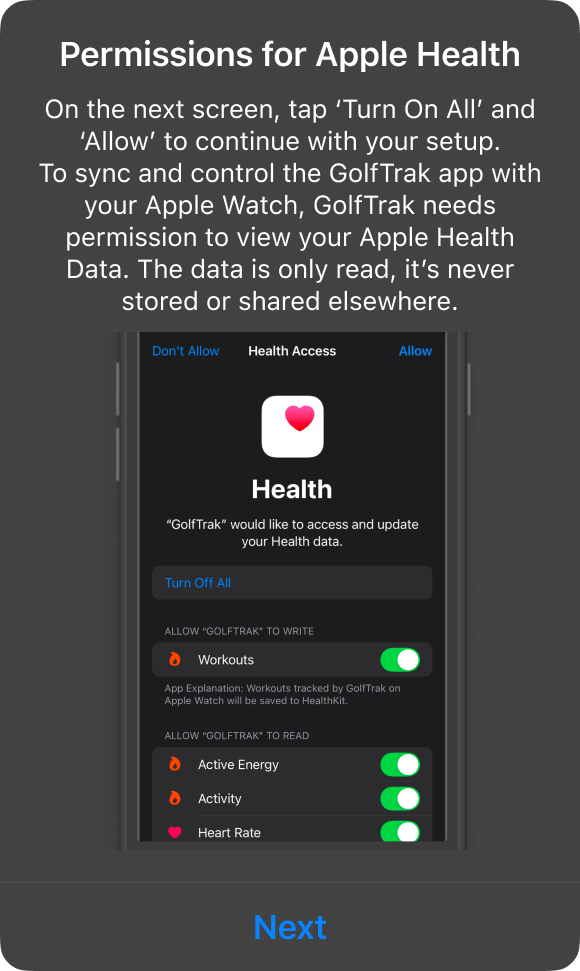
Find out more about why we request access to your Health data to connect our iPhone and Watch apps together
To ensure a consistent connection between the watch and your phone we request access to your Health data. This allows us to save your ChipIn Shot Tracker sessions as workouts, but is also highly recommended to maintain a stable connection. While granting access to Health data is not compulsory, it may impact the signals being sent between both devices.
When you update the iOS ChipIn Shot Tracker App and have a watch connected, we will request access to your Health Data which you can switch on or off at any point.