How do I view results on the Apple Watch App?
Last updated October 13, 2026
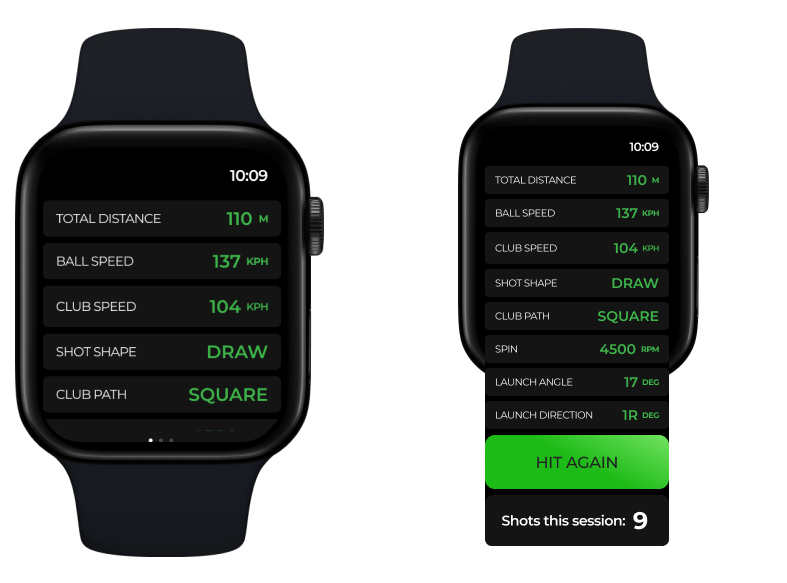
Following each shot you can check and view the results for that swing directly from the Apple Watch.
Viewing your shot results on the ChipIn Shot Tracker Apple Watch app is simple and convenient. After each shot, the results will be automatically sent to your Apple Watch. You will be notified with haptic feedback, letting you know that your shot results are ready to view.
To view the results:
- Check for Haptic Feedback: Once you feel the haptic feedback, know that your shot results are available.
- Open the ChipIn Shot Tracker App: Open the ChipIn Shot Tracker app on your Apple Watch.
- Scroll to View Results: Use the Digital Crown or swipe on the screen to scroll through and view the detailed results of your shot.