Help CenterShot Setup FAQs & Troubleshooting
Does ChipIn Shot Tracker work for left handed golfers?
Last updated October 13, 2026
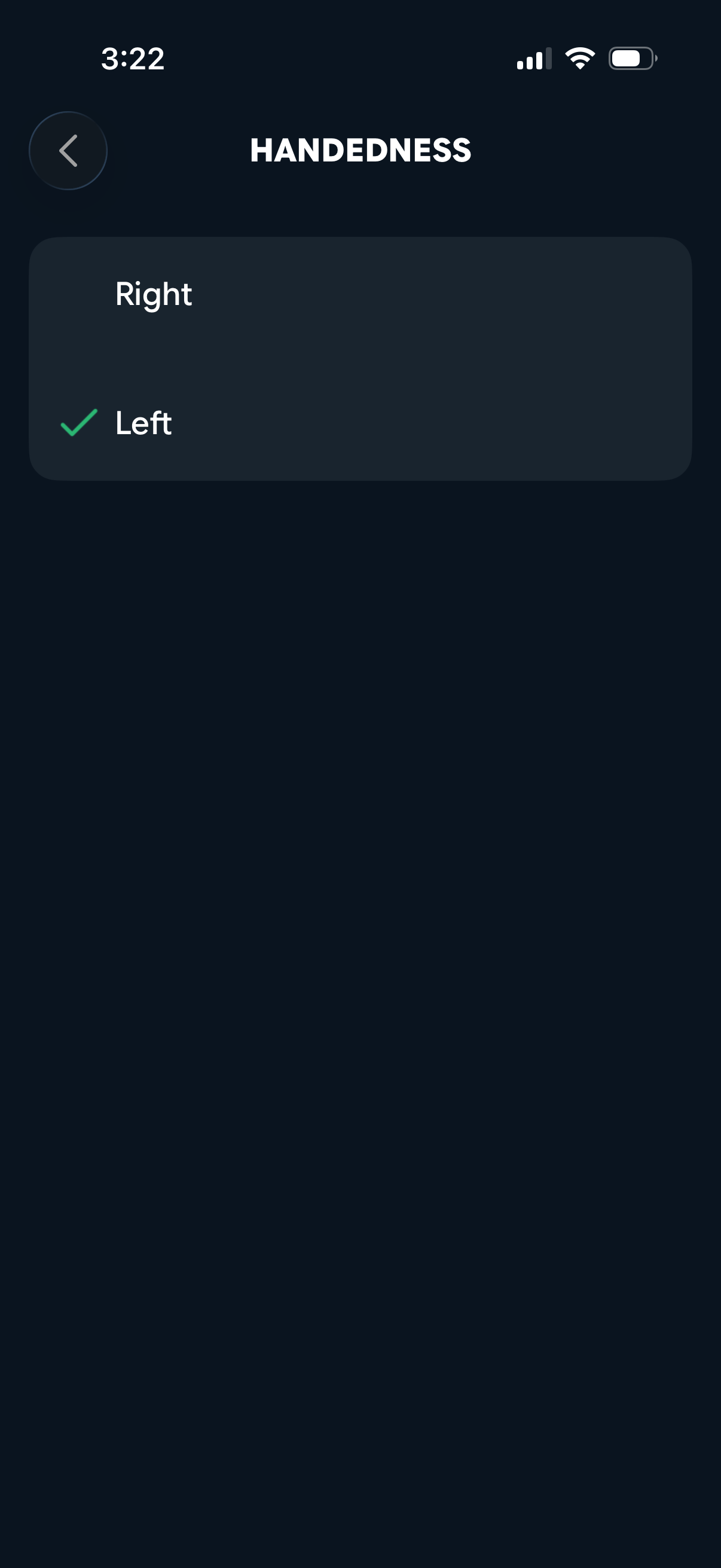
You bet! Just make sure you make a change to the dexterity in the settings of the app so we can process shots and directions correctly.
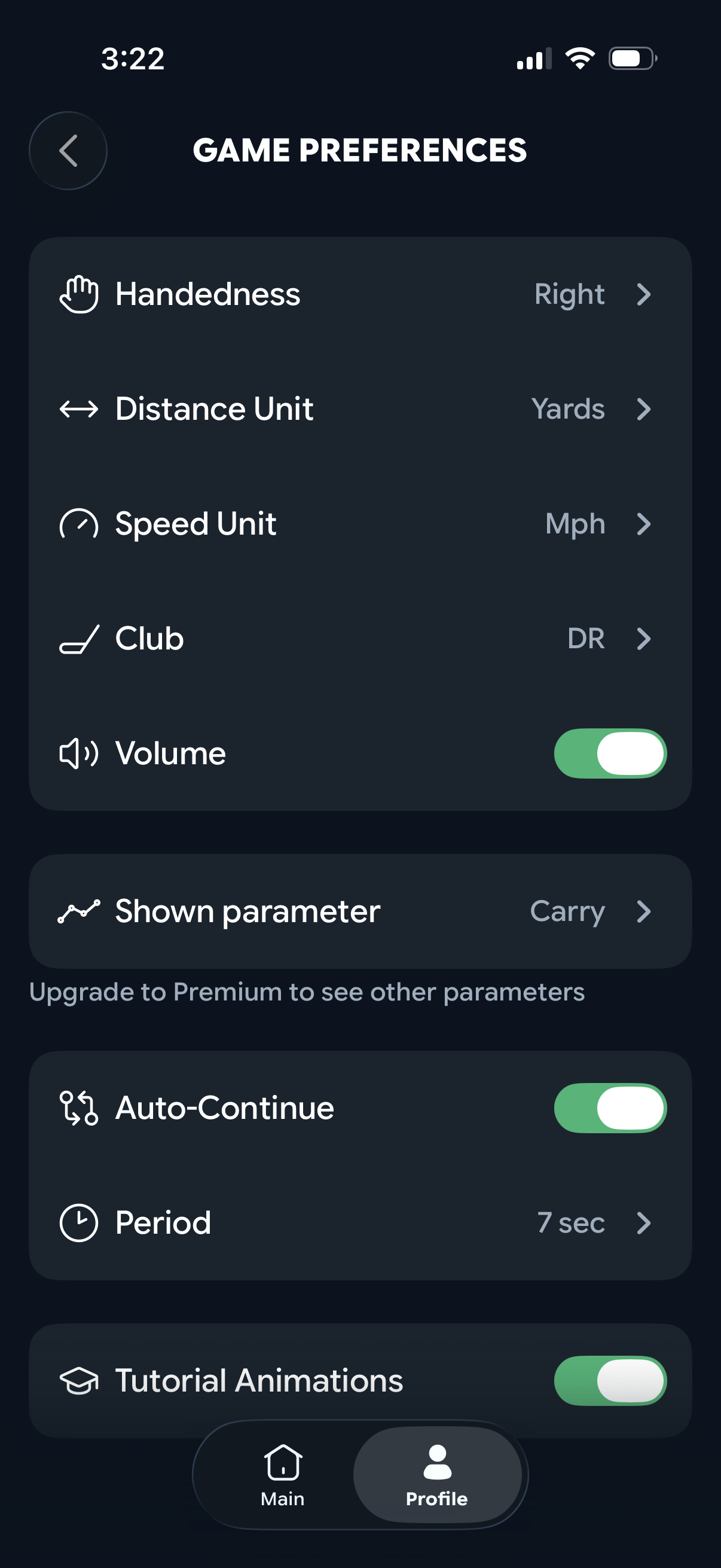
To change the dexterity, go to Profile > Settings > Handedness and toggle between Right and Left. By default, ChipIn Shot Tracker is set to Right Hand